MimicPC* is a cloud-based platform that allows you to create AI images online without needing special hardware or complicated software installations. This means you don’t have to deal with Git, Python, or other necessities.
This platform lets you install apps like Automatic1111, ComfyUI, Fooocus, FaceFusion, and more with just one click. For example, it took me only about 2 minutes to install Automatic1111. After that, I could start creating images directly in my browser with A1111.
With MimicPC, you can use powerful AI tools that are based on Stable Diffusion or Flux without having to invest in expensive graphics cards. The platform essentially acts as a virtual machine in the cloud, allowing you to use resource-intensive AI applications as if you were working on a high-end computer. And all of this comes at surprisingly affordable prices.
For instance, you can use hardware with up to 48 GB of VRAM. You could only utilize such amounts of VRAM locally if you had two graphics cards with 24 GB VRAM each, such as two GeForce RTX 4090s. The average price for a single graphics card is around €1800. Additionally, a high-end computer typically consumes a lot of power.
AI Apps from MimicPC
MimicPC gives you access to various AI apps that you can use directly in your browser. Three of the most important apps for creating AI-generated images are Automatic1111, Fooocus, and ComfyUI. Each of these applications has its own strengths and use cases for creating AI images online. My personal favorite is Automatic1111. You can find some tutorials on Stable Diffusion and Automatic1111 on my YouTube channel.

Automatic1111
Automatic1111 is a popular web interface for Stable Diffusion that allows you to create AI images online. This user-friendly app enables you to generate images through simple text input, adjust various models and settings, and utilize advanced techniques like Inpainting and Outpainting. Whether you are a beginner or a professional, Automatic1111 provides you with an intuitive platform to experiment with AI image generation and bring your creative ideas to life.
Fooocus
Fooocus simplifies the use of Stable Diffusion and offers an optimized user interface for quick AI image creation. In my opinion, Fooocus is the easiest WebUI for creating AI images with Stable Diffusion. However, this simplicity comes with some limitations, so I would always recommend Automatic1111.
ComfyUI
ComfyUI, on the other hand, is a flexible, node-based interface for advanced users who want to combine different AI models and create customizable workflows. This powerful app allows you to dive deeper into the technical aspects of AI image generation and design complex image processing workflows. However, ComfyUI is not suitable for beginners. From my experience, you need to dedicate at least a day to understand the setup and functionality of ComfyUI.
MimicPC Prices and Costs
MimicPC offers flexible plans tailored to different needs and usage behaviors. In the free plan, you receive a one-time credit that allows you to test MimicPC. Additionally, there is a pay-per-use option, an annual payment plan, or a lifetime deal on AppSumo. These various payment models provide you with flexibility depending on how intensively you want to use the platform.
| Plan | Price | Features |
|---|---|---|
| Free Plan | $0.49 starting credit | – Access to all pre-installed apps – 50GB cloud storage – Free upload of image AIs and extensions |
| Pay-per-use | $0.49 / hour (Medium Hardware) | – All features of the Free Plan – Advanced GPU options for high performance – SDXL (1024*1024@20 Steps) from 8 seconds – Large / Very large batch sizes – VRAM options: 16GB / 24GB / 48GB |
| Annual Plans | $49.00 / year | – All features of the Free and Hourly Plans – $10.00 monthly credit – Early access to new features |
You can also top up your credit with one-time payments. For example, you can easily recharge via PayPal with $10, $50, $100, or $200. With just $10, you can create over 20 hours of online AI images.
Choosing the optimal plan largely depends on your individual usage behavior. The free plan is sufficient to install apps and generate a few images. Once your starting credit is used up, you will need to either subscribe to a plan or top up your account with a one-time payment.
The annual plan for $49.00 offers the highest value for regularly generating AI images as it includes all features, monthly credits, and exclusive benefits.
Even better is the Lifetime Deal*. With the Lifetime Deal, you can create AI images every month for as long as MimicPC exists. For example, you currently receive $10 credited to your account every month for a one-time payment of $49.
Alternatives
If you have a powerful computer, you could also install all apps locally on your machine. While this takes significantly more time, it is free. If you are a beginner, I would recommend my tutorial on Fooocus. There, I show you step by step how to install Fooocus.
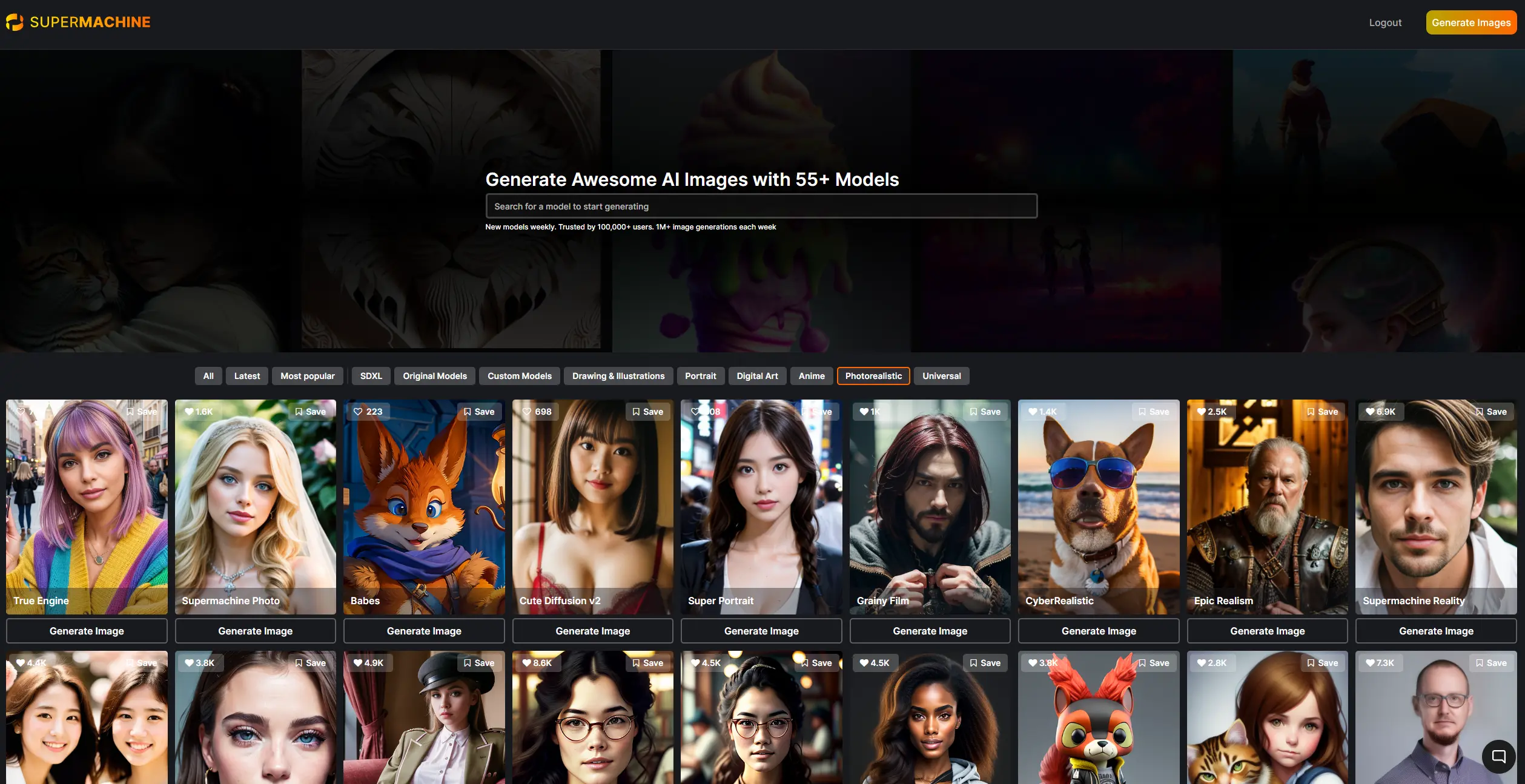
Another alternative with comparable quality is the AI image generator Supermachine. This option might be interesting for you if you are also looking for an image AI with an affordable lifetime deal*.
Conclusion
MimicPC proves to be a versatile and accessible solution for AI image generation, especially if you want to use powerful tools without your own high-end hardware. The platform excels in that you can install the best open-source WebUIs and AI image models without technical knowledge and expensive hardware.